
In the world of gaming, having the right equipment can make all the difference. For enthusiasts and casual gamers alike, a custom-built gaming PC is often the best option. This guide will take you through the essential steps and considerations for creating your ideal gaming rig, from selecting the right components to ensuring optimal performance.
Understanding Your Needs
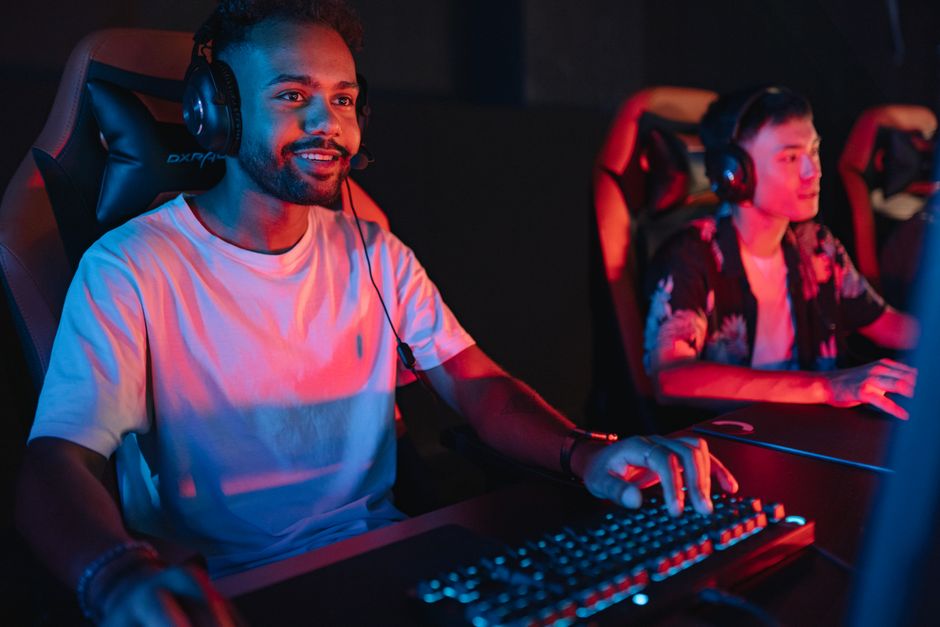
Before diving into the technical specifications, it’s crucial to understand what you need from your gaming PC. Are you a casual gamer who enjoys titles like Fortnite or Stardew Valley? Or are you a hardcore enthusiast looking to play the latest AAA titles at maximum settings? Knowing your gaming habits can help you make informed decisions.
For instance, if you primarily play less demanding games, you may not need a top-of-the-line graphics card. However, if you aim to play games like Cyberpunk 2077, investing in a powerful GPU is essential. Additionally, consider future-proofing your build to accommodate upcoming game releases.
Selecting the Right Components
The heart of your gaming PC lies in its components. Key components include the CPU, GPU, RAM, motherboard, storage, and power supply. Each part plays a vital role in performance and compatibility.
The CPU (Central Processing Unit) is often considered the brain of your PC. For gaming, a multi-core processor is recommended. Popular options include AMD Ryzen and Intel Core series. The GPU (Graphics Processing Unit) is equally important, as it directly affects your gaming experience. High-performance GPUs from manufacturers like NVIDIA and AMD can significantly enhance graphics quality.
When it comes to RAM, 16GB is typically sufficient for most gaming needs, while 32GB can provide better multitasking capabilities. Additionally, selecting an SSD over an HDD can greatly reduce load times, providing a smoother gaming experience.
Building Your Gaming PC
Once you have selected your components, it’s time to assemble your gaming PC. Make sure to have a clean workspace and all necessary tools, such as a screwdriver and anti-static wrist strap.
Start by installing the CPU onto the motherboard, followed by adding the RAM. Next, install the motherboard into the case. Ensure that you properly connect the power supply and all necessary cables to the motherboard and components. Finally, install the GPU and any additional storage devices.
After assembling the hardware, it’s important to check for compatibility and ensure everything is securely connected. You can use resources like gaming PC builder tools to verify component compatibility and avoid common pitfalls.
Software and Optimization
After your PC is built and powered on, the next step is installing the operating system and drivers. Windows is the most popular choice among gamers due to its extensive game compatibility. Be sure to install the latest drivers for your GPU, as they can significantly improve performance.
Additionally, optimizing your system settings can enhance your gaming experience. Adjusting in-game settings for performance versus quality can make a big difference. Many games offer preset configurations based on your hardware, which can serve as a good starting point.
Maintenance and Upgrades
Once your gaming PC is up and running, regular maintenance is key to ensuring longevity and performance. Dust buildup can hinder airflow and lead to overheating, so it’s advisable to clean your PC every few months.
Upgrading components is also a great way to keep your gaming rig current. As new technology emerges, consider upgrading your GPU or adding more RAM to enhance performance. Staying informed about the latest hardware trends can help you make timely upgrades.
Conclusion
Building a gaming PC can be a rewarding experience that allows you to tailor your gaming setup to your specific needs. By understanding your requirements, selecting the right components, and following proper assembly and maintenance procedures, you can create a powerful machine that enhances your gaming experience. Whether you’re a casual player or a competitive gamer, a well-built gaming PC can provide the performance and reliability you need to enjoy your favorite titles.