
In the world of gaming, having the right equipment can make all the difference. For many gamers, a custom-built gaming PC is the ultimate goal. Not only does it allow for tailored performance, but it also gives the satisfaction of creating something unique. In this article, we will explore the essential components, considerations, and tips for building your dream gaming PC.
Understanding the Basics of PC Building
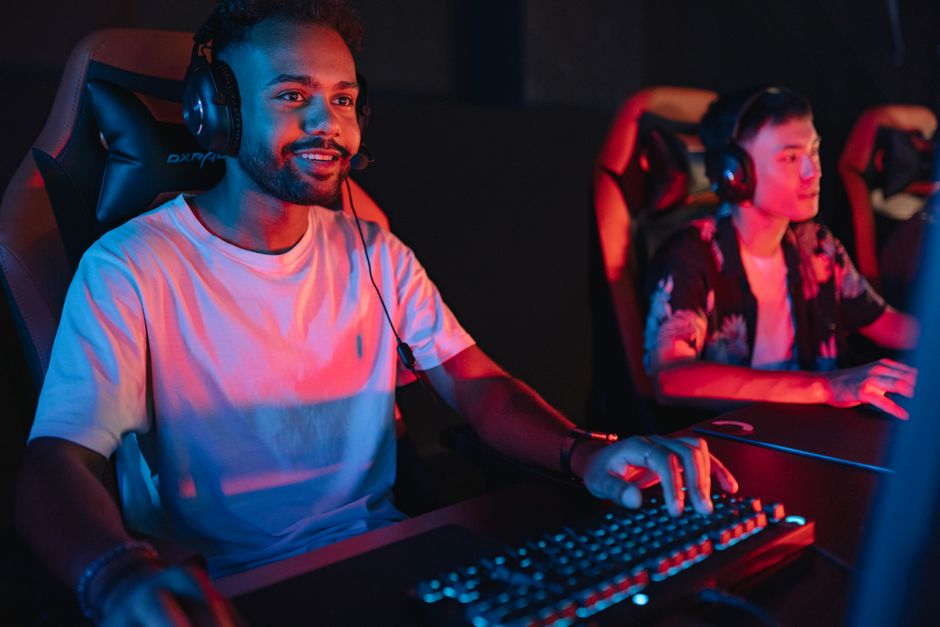
Before diving into the specifics of each component, it’s crucial to understand the basic elements involved in building a gaming PC. A typical setup includes a CPU, GPU, motherboard, RAM, storage, power supply unit (PSU), and a case. Each part plays a vital role in the overall performance of your system.
The CPU, or central processing unit, is often referred to as the brain of the computer. It handles all the instructions from programs and applications. The GPU, or graphics processing unit, is critical for rendering images and video, especially in gaming. The motherboard connects all the components and allows them to communicate with each other.
Furthermore, RAM (random access memory) temporarily stores data for quick access, while storage drives (HDD or SSD) hold your games and files. The PSU powers the system, and the case houses all these components, providing ventilation and aesthetics.
Selecting the Right Components
When it comes to choosing components, one size does not fit all. The first step is to determine your budget. High-end gaming PCs can range from $1,500 to over $3,000, while mid-range builds can be constructed for around $800 to $1,200.
After establishing a budget, consider the type of games you play. For example, if you enjoy graphically intensive games, investing in a powerful GPU is essential. Brands like NVIDIA and AMD offer various options catering to different performance needs and budgets.
Similarly, while selecting a CPU, look for multi-core processors that can handle multitasking. Popular choices include Intel’s Core i5 or i7 series and AMD’s Ryzen 5 or 7 series. Compatibility with your motherboard is critical, so ensure that the socket type matches.
Assembly Process: Step by Step
Once you have all your components, the next step is assembling your gaming PC. Start by preparing your workspace, ensuring it’s static-free. Follow these steps for a successful build:
1. Install the CPU onto the motherboard. Align it correctly and secure it with the locking mechanism.
2. Attach the CPU cooler. This is essential to prevent overheating during operation.
3. Insert RAM into the motherboard slots. Ensure they click into place securely.
4. Mount the motherboard inside the case, using standoffs for proper grounding.
5. Install the PSU and connect it to the motherboard, GPU, and other components.
6. Finally, connect your storage drives and manage the cables for better airflow.
Throughout this process, it’s wise to check online resources or community forums for guidance and troubleshooting tips. Additionally, a gaming PC builder tool can help you ensure compatibility between parts.
Testing and Optimization
After assembling your PC, it’s time to power it on and install the operating system. Windows is a popular choice among gamers due to its compatibility with most games. Once installed, run benchmarks to test the performance of your CPU and GPU.
Monitoring temperatures is also crucial. Use software like MSI Afterburner or HWMonitor to keep an eye on your system’s health. If temperatures are too high, consider adjusting fan speeds or reapplying thermal paste on the CPU.
Moreover, tweaking settings in your games can enhance performance without sacrificing visual quality. Adjusting resolution, texture quality, and enabling features like V-Sync can lead to a smoother gaming experience.
Maintenance and Upgrades
Building a gaming PC is just the beginning; regular maintenance is necessary to keep your system running smoothly. Dust accumulation can obstruct airflow, leading to overheating. Therefore, cleaning your PC every few months is recommended.
Additionally, keeping your drivers updated ensures optimal performance. Regularly check for updates from your GPU manufacturer and the operating system.
As technology evolves, consider upgrading components over time. This approach allows you to keep up with the latest games and software without the need for a complete overhaul.
Conclusion
Building a gaming PC is a rewarding endeavor that allows for customization and personalization. By understanding the components, carefully selecting parts, and following the assembly steps, you can create a machine tailored to your gaming needs. With proper maintenance and the willingness to upgrade, your gaming PC can provide exceptional performance for years to come.